Why are my transactions importing more than once?


Duplicates often occur when a bank retroactively changes something about the transaction—like the date, payee, memo, amount, formatting, description etc. It then appears in your Swipe Deck as if it's a new transaction, creating a duplicate.
To combat this, we created an Exclude feature to help you remove duplicate transactions from your Swipe Deck.
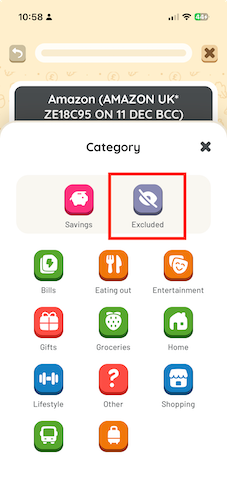
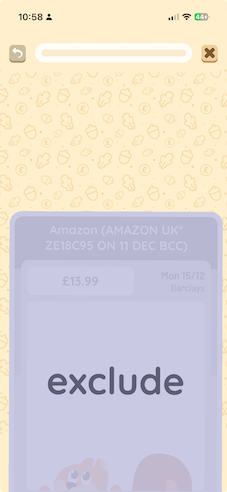
- You can exclude the card from your deck while swiping by either;
- Clicking the 'Excluded' button in the category list
- Swiping downwards on the card
If you have already swiped duplicate transactions in the past and want to retrospectively exclude one of them, you can do this easily from the 'Budget' tab.
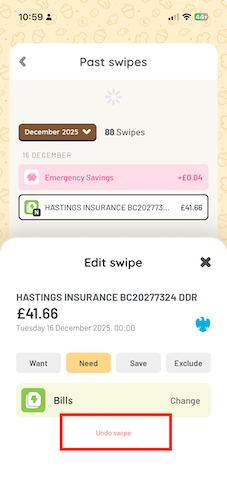
- Go to the 'Budget' tab from the navigation bar;
- Click on 'Past Swipes'
- Click the transaction you want to undo
- Use the pop up to undo the transaction
This transaction will now be back in your Swipe Deck, and you can go ahead and Exclude it using the method explained above. Your budget will update automatically.